
 Absolute Persistance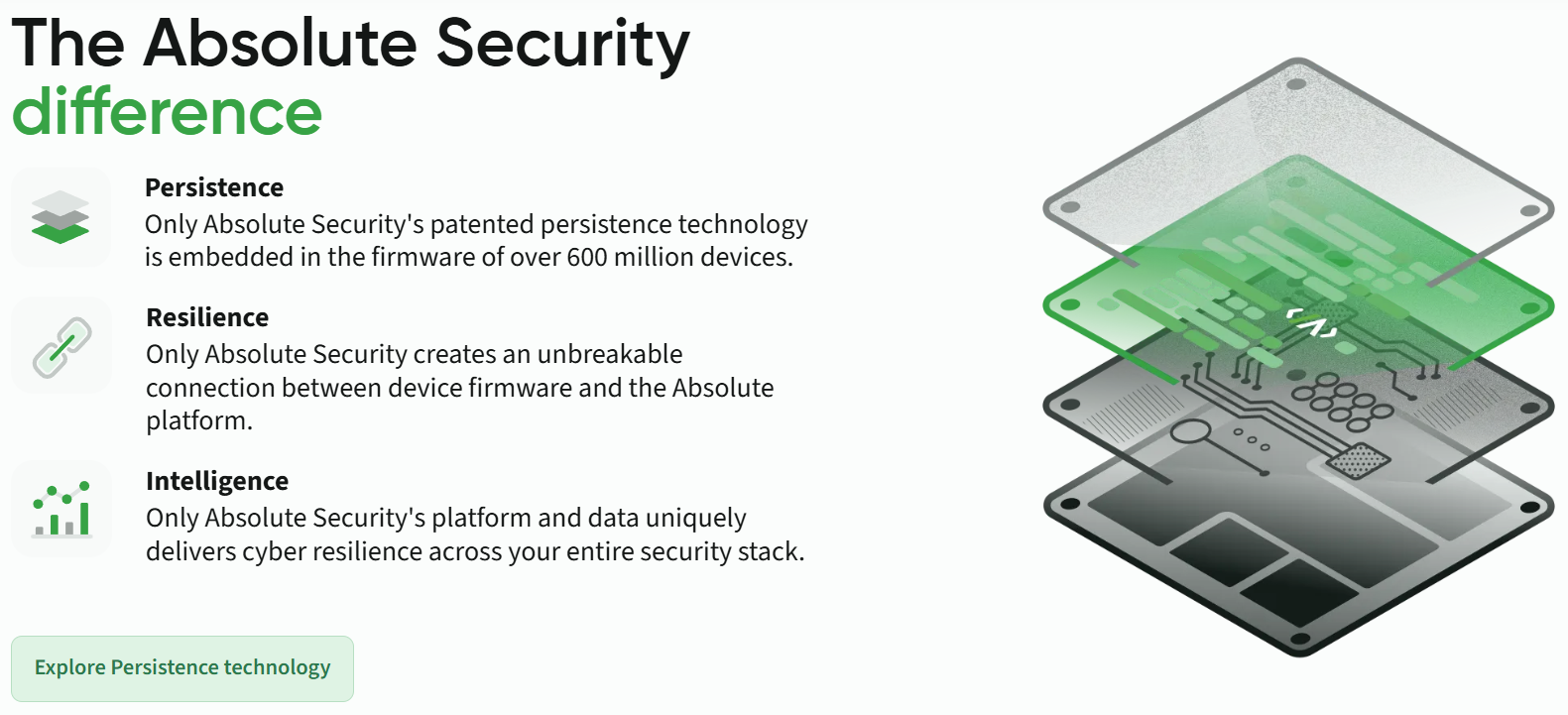
In enterprise security, one of the biggest challenges is maintaining visibility and control over endpoints—especially when threats involve OS reinstalls, hard drive replacements, or rogue devices. Enter Absolute Persistence, a patented firmware-embedded technology that creates an unbreakable digital tether between devices and security infrastructure, surviving even the most aggressive evasion attempts.
What is Absolute Persistence?
Absolute Persistence is a factory-embedded security module from Absolute Software, pre-installed in the BIOS/UEFI firmware of over 600 million devices from nearly 30 OEMs including Dell, HP, Lenovo, ASUS, Microsoft Surface, and Panasonic.Unlike traditional software agents that can be uninstalled or bypassed, Persistence operates at the firmware level—making it virtually indestructible and independent of the operating system.
The technology establishes a secure, always-on connection to Absolute’s cloud platform, enabling persistent endpoint visibility, control, and automated remediation even when devices are off-network, reimaged, or physically compromised.
Technical Architecture: How It Works
Firmware-Level Embedding
The Persistence module resides in a non-flashable region of the device’s BIOS/UEFI firmware, embedded during manufacturing. This location ensures it cannot be removed through:
- OS reinstallation or reimaging
- Hard drive/SSD replacement
- Firmware updates or flashing
- System recovery operations
- User-level or even admin-level uninstalls.
Activation and Self-Healing Mechanism
The technology operates through a sophisticated self-healing loop:
- Dormant State: Persistence remains inactive until the Absolute agent software is installed on the device
- Initial Handshake: Agent performs first check-in to Absolute cloud, activating the firmware module
- Boot-Time Verification: At every system boot, the firmware module checks for agent presence and integrity
- Auto-Remediation: If agent is missing, corrupted, or tampered with, the firmware automatically reinstalls it from the cloud
- Bidirectional Communication: Encrypted telemetry flows continuously, with FIPS 140-2 compliance options for government/defense sectors.
The agent footprint remains under 200KB, operating as a hidden, tamper-resistant service with minimal performance impact.
Core Capabilities
Absolute offers tiered capabilities built on the Persistence foundation:
Visibility Tier
- Hardware & Software Inventory: Real-time tracking of all installed applications, patches, and hardware components
- Geolocation & Usage Analytics: GPS/WiFi-based location tracking, user activity monitoring
- Security Posture Assessment: Continuous evaluation of firewall status, encryption state, AV/EDR health
- Sensitive Data Discovery: Regex and SHA-256 hash-based scans for PII, PCI, HIPAA-regulated data across endpoints
Control Tier
- Remote Device Freeze/Wipe: Immediate lockdown or data sanitization for stolen/compromised devices
- Geofencing Alerts: Automated notifications when devices leave authorized geographic boundaries
- Absolute Reach: Remote script execution for forensic evidence collection, policy enforcement, or custom remediation
- BIOS Password Management: Retrieval and reset capabilities on supported models (Dell, HP, Lenovo)
Resilience Tier
- Application Resilience: Auto-healing for critical security applications:
- EDR/XDR platforms (CrowdStrike, SentinelOne, Microsoft Defender)
- DLP solutions (Forcepoint, Digital Guardian)
- VPN clients (Cisco AnyConnect, Palo Alto GlobalProtect)
- Encryption tools (BitLocker, FileVault)
- Rehydrate: Full OS and application stack restoration post-breach
- Vulnerability Remediation: Automated patching and configuration management
- Ransomware Response: Isolation, scripted cleanup, and system restoration
Digital Forensics Significance in Corporate Environments
The SSD Swap Scenario
Consider this common insider threat or APT scenario:
- Attacker compromises device: Malicious insider or external threat actor gains physical access
- Evasion attempt: Attacker swaps SSD with a clean drive and boots a rogue OS (e.g., Linux live USB or fresh Windows install) to avoid detection
- Persistence activates: On next boot, firmware detects missing Absolute agent
- Auto-remediation cascade:
- Firmware reinstalls Absolute agent
- Agent checks in to cloud console
- Application Resilience deploys CrowdStrike Falcon sensor
- DLP agent installs and enforces data policies
- Full security stack restored within minutes—without IT intervention
Forensic Investigator’s Dream
For digital forensics teams, Absolute Persistence provides unprecedented capabilities:
| Forensic Value | Technical Benefit |
|---|---|
| Pre/Post-Incident Visibility | Historical telemetry shows application removals, unusual geolocation changes, or encryption status modifications before breach discovery |
| Chain of Custody | Timestamped logs of all device activities, user sessions, and remote actions maintain audit trails for legal proceedings |
| Remote Evidence Collection | Absolute Reach scripts can capture memory dumps, event logs, file system artifacts without physical access |
| Data Exfiltration Prevention | Real-time monitoring detects sensitive file transfers; remote freeze prevents further leakage during investigation |
| Compliance Enforcement | Auto-wipe ensures GDPR/HIPAA/PCI compliance for lost/stolen devices, with cryptographic proof of sanitization |
Mean Time to Response (MTTR) Reduction
Traditional incident response might take hours or days to reimage and reconfigure a compromised device. With Persistence:
- Device identification: Immediate (always-on telemetry)
- Security stack restoration: 5-15 minutes (automated)
- Forensic data collection: Minutes vs. hours/days
- Device quarantine: Seconds (remote freeze)
Real-World Use Cases
Case 1: Stolen Executive Laptop
CFO’s laptop stolen at airport. Within minutes, IT:
- Geolocates device to specific address via Absolute console
- Remotely freezes device to prevent data access
- Initiates crypto-wipe after confirming theft
- Provides law enforcement with location data
Case 2: Insider Threat Investigation
Security analyst notices abnormal data access patterns. Absolute Reach deployed to:
- Capture user’s browser history, clipboard, and running processes
- Extract registry keys and event logs
- Freeze device to preserve volatile memory
- Generate forensic report for legal team—all remotely, without alerting the suspect
Case 3: Ransomware Outbreak
Ransomware hits 50 endpoints. Absolute:
- Auto-detects missing/corrupted EDR agents
- Reinstalls CrowdStrike sensors on all affected devices
- Executes cleanup scripts via Absolute Reach
- Restores critical apps through Rehydrate
- Reduces remediation time from days to hours
Supported Systems and OEM Integration
Pre-Installed by Default In:
- Dell: Latitude, Precision, OptiPlex, XPS, Alienware series
- HP: EliteBook, ProBook, ZBook, Elite desktops
- Lenovo: ThinkPad, ThinkCentre, ThinkStation (all modern models)
- ASUS: Intel 12th-gen (Alder Lake) and newer platforms
- Microsoft: Surface Pro, Surface Laptop, Surface Book
- Panasonic: Toughbook series
- 25+ additional OEMs: Full list at absolute.com/oems
Checking Firmware Presence
Dell Systems:
- Boot into BIOS (F2 during startup)
- Navigate to Security → Computrace
- Check status: “Disabled”, “Inactive”, or “Active”
Lenovo ThinkPad:
- Enter BIOS (F1 at startup)
- Go to Security → Absolute Persistence Module
- Options: “Disabled”, “Enabled (Inactive)”, “Enabled (Active)”
ASUS:
- Access UEFI (F2/Del during boot)
- Navigate to Advanced → Absolute Persistence
- View status: Inactive or Active
Security Considerations
Privacy and Ethical Use
- Data Collection: Agent collects device telemetry, application usage, geolocation—ensure compliance with employee monitoring laws (GDPR Article 88, CCPA)
- Administrator Accountability: Remote wipe/freeze capabilities require strict access controls and audit logging
- Personal Devices: Not recommended for BYOD without explicit consent and data handling agreements
Limitations
- Physical Security: Persistence cannot prevent physical hardware attacks (chip-level extraction)
- Advanced Threats: Nation-state actors with firmware exploit capabilities could theoretically compromise the module (no public exploits known)
- Network Dependency: Initial activation and cloud check-ins require internet connectivity
Future of Firmware-Based Security
Absolute Persistence represents the evolution toward hardware root of trust security models, where protection begins at the silicon level rather than the OS. As threats increasingly target bootloaders and firmware (e.g., LoJax, MosaicRegressor), having a factory-embedded, vendor-independent security layer becomes critical for zero-trust architectures.
Have you implemented Absolute Persistence in your environment? Share your experiences in the comments below!
 LNK File Forensics — Experimental Case Study
 Windows Artifacts
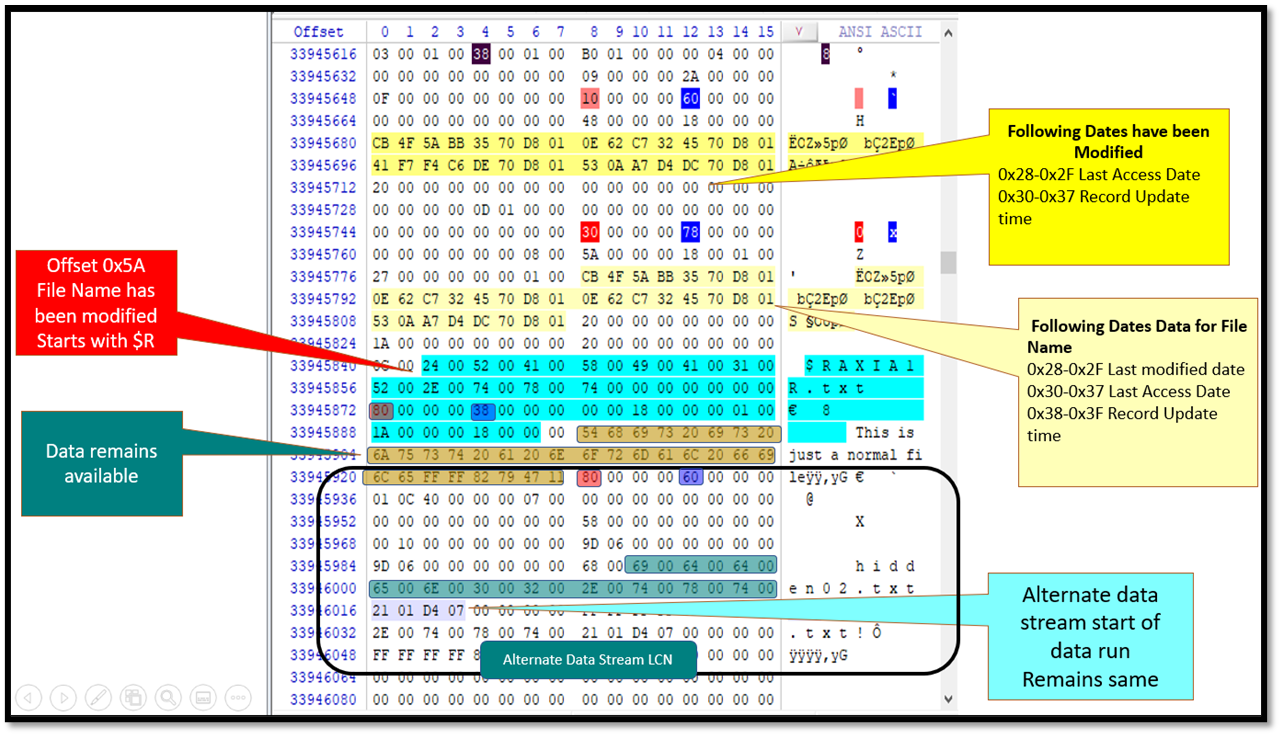 How NTFS Self-References Its $MFT
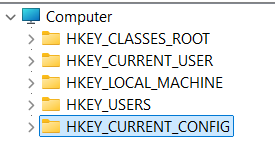 Inside The Registry